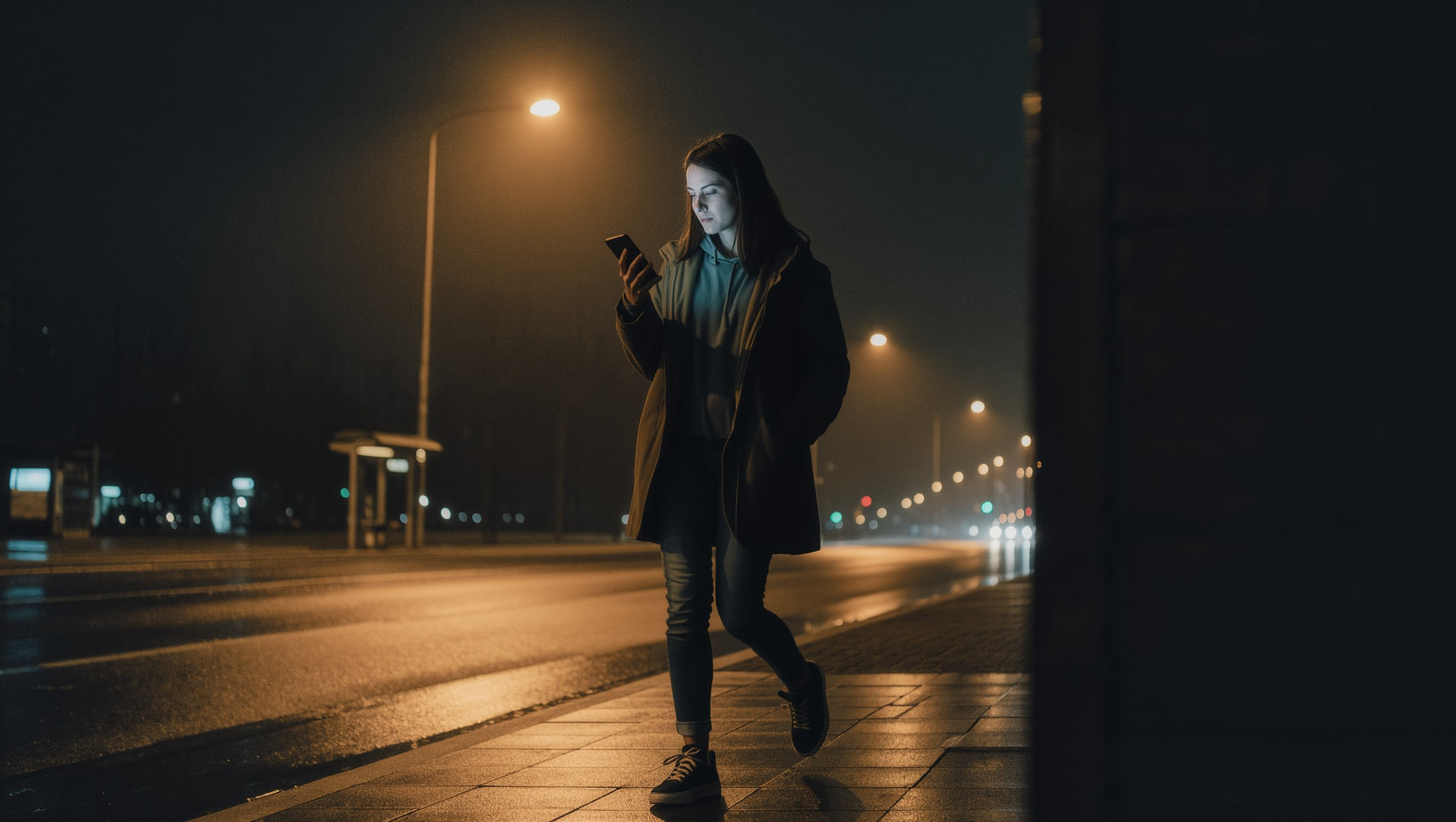
Every woman who's walked across an empty campus at midnight, every nurse leaving a shift, every grad student locking up the lab at 2 a.m. has the same internal monologue. Phone in hand. Keys between fingers. Eyes scanning. Headphones in but volume off, just for the look.
The walk is the moment. Not the destination. Not the start. The walk itself.
This post is about what a safe walking app should actually do in 2026, why I'll text my roommate when I'm home isn't a safety system, and how the new generation of walk-together apps changes how solo walks work.
If you've spent any amount of time walking home alone at night, you already know which features matter. This post just puts a name on what you've already figured out.
Context: 1 in 5 women experience sexual assault during college, according to RAINN. Most incidents happen between familiar places. The walk home from the library. The walk back from a friend's apartment. The walk between transit and dorm. The walk is the threat window. Apps designed around emergencies miss it entirely.
Why solo walks are where safety apps get tested.
Most safety apps are built for the wrong moment. They're built for the worst case. The attack. The panic. The call to 911. The walk is the moment before any of that. And it's also the moment where the right design actually changes outcomes.
The walk has its own physics:
Your hands are full or pocketed.
You don't want to pull out your phone every 30 seconds.
You're moving.
Static I'm here check-ins go stale within a block.
Your awareness is split.
Between the walk and the screen.
You don't want to look like you're holding a safety alarm.
A safe walking app needs to fit those constraints. If the app makes you fish out your phone, swipe through screens, type a message, and hit send before you can do anything useful, it's not a safe walking app. It's a checklist.
What a safe walking app should actually do.
The bar for 2026 is higher than it was even a few years ago. The features that separate a real safe walking app from a glorified dot-on-a-map:
Real-time peer matching.
Pair you with another verified person walking the same route, same direction, same time. The walk stops being solo before it starts.
Live trip sharing with trusted contacts.
Not your last known location. Your live location for the entire walk. Automatically ending when you arrive.
Silent SOS that doesn't require unlocking.
Power-button tap. Voice trigger. Smartwatch shortcut. Something that fires without you fishing out your phone.
Smart check-ins.
Pre-set ETA. Automatic alerts if you don't arrive. Escalation to your trusted contacts if you don't respond.
Verified community on the other end.
Anonymous platforms can put a stranger on your dot. Verified platforms put a real, identified peer on your dot.
Privacy-first data.
Trip data clears when the trip ends. No permanent log of your walks sitting on a server.
If your current safe walking app doesn't do at least four of these, you're using last decade's tech.
Walk-Together: the new default.
This is the shift that changed the category. For most of safety-app history, walking together meant calling someone on FaceTime while you walked. The new generation made it a feature.
Walk-together apps match you with another verified user heading the same direction. You don't have to know them. You don't even have to talk. You just walk in parallel. Both with live location shared. Both with trusted contacts looped in. The unsafe window shrinks to nothing because there is no unsafe window. You're not alone.
For college campuses, walk-together features are particularly powerful because the matching pool is dense. Library closing time. Post-party windows. After-class transitions. Wherever you're walking on campus, there's a high probability someone else is walking the same route within a few minutes.
The shift is from "I'll be careful walking home" to "I won't walk alone." That's the real upgrade.
Tactical tips for the walk tonight.
App or no app, here's the layered baseline. Most are free. None require new hardware.
The pre-trip setup.
Two minutes of prep that changes the whole walk.
What changes when you're moving.
Small choices that compound — none of them require new gear.
The app is the multiplier. The habits are the foundation.
Where most safe walking apps still fall short.
The category has come a long way. The gaps are real:
Still relying on a button press.
Most safe walking apps still rely on the user pressing a button. Silent activation isn't standard yet.
No verification on the other end.
Most still don't verify the people on the other end of a walk-together match.
Location history forever.
Most store your location history forever, which is its own privacy issue.
No escalation.
Most don't have escalation. If your one trusted contact misses the alert, the alert just sits there unread.
Designed for everyone.
Most are designed for everyone. Which means they aren't actually built for the threat model women face on campuses and late commutes.
Closing those gaps is what the next generation of safe walking apps is doing. It's the design philosophy sidexside is built around.
A safe walking app, by design.
sidexside is a safe walking app at heart, built specifically for women, students, and late-night commuters.
Here's how it shows up on a real walk:
- Verified peer matching with another female student walking the same route. Library to dorm. Party to car. Off-campus apartment to early class.
- Live trip sharing with your trusted contacts, automatically ending when you arrive.
- Silent SOS that fires without unlocking, typing, or making it obvious.
- Identity verification (.edu email plus photo ID) so the person on the other end of a match is who they say they are.
- Trusted contact loop with layered escalation. The 2–3 people who actually show up for you, alerted in seconds with full context.
- Ephemeral location data. Trip clears when the walk ends. No permanent location archive.
The app is live on iOS and Android. Download sidexside at sidexside.ai.
A safe walking app in 2026 isn't a button.
It's a system designed around the actual moment safety matters most. The walk.
If your current setup is share my location with mom plus a panic button you've never used, you're walking solo. A real safe walking app makes walking solo optional, not default.
For questions about how sidexside's walk-together matching, silent SOS, and trusted contact loop work in practice, contact us.
Frequently asked questions.
What's the best safe walking app for college students?
The best one is the one with verified peer matching at your specific campus, ephemeral trip data, silent SOS, and a trusted contact loop. Generic location-sharing apps don't qualify. Look for platforms with .edu plus photo ID verification and density on your campus. Without density, the matching feature doesn't work in real time.
Are walking companion apps actually safe with strangers?
A walking companion app with strict identity verification (.edu email plus photo ID, female-only verified community) isn't really matching you with strangers. It's matching you with verified fellow students. Anonymous walking-companion apps are a different story and generally not advisable. The verification stack is the safety feature.
Should I use a safe walking app even on a familiar route?
Yes, especially on familiar routes. Most incidents happen between familiar places. The walk you've taken a hundred times. Familiarity is exactly when situational awareness drops. A safe walking app with passive monitoring and silent SOS keeps the safety layer active even when your guard is down.