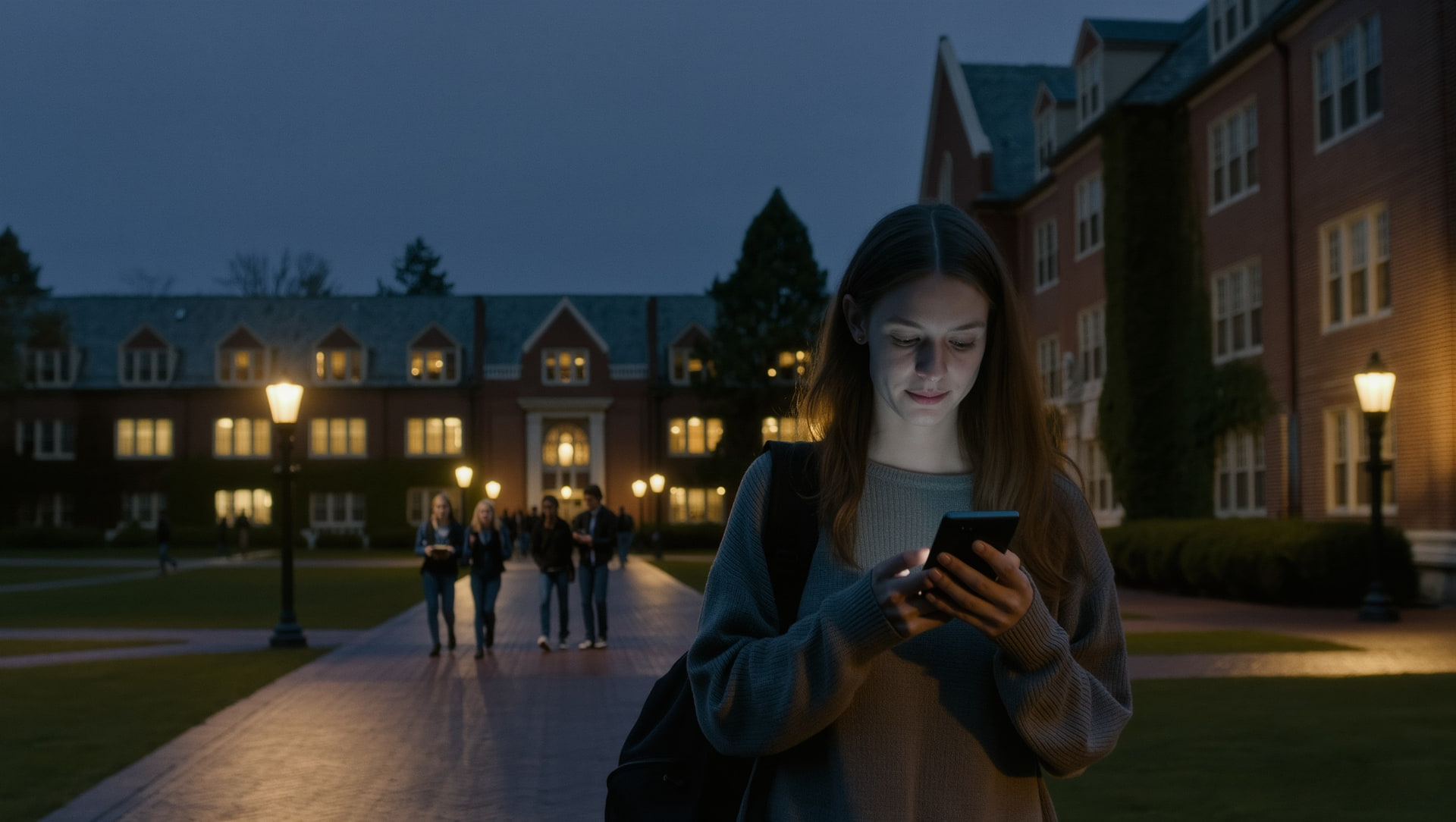
Campus safety in 2026 looks nothing like campus safety in 2016. The blue-light phones bolted to lampposts are still there. Most students have never used one. The mass-text alert systems are still active. They go off so often for weather and false alarms that most students mute them.
What's changed is the layer in between. The campus safety app. That's where the real action is now. And that's where most universities are still figuring out what works.
This post is for two readers at once. If you're a student, you'll see what your school is probably running, what's missing from it, and what fills the gap. If you're working in administration, student affairs, or security, you'll see why the institutional safety stack alone isn't enough. And what students are actually using to fill the holes.
Context: 1 in 5 women experience sexual assault during college, according to RAINN. The institutional safety apps from a decade ago weren't built for that threat model. The 2026 generation has to be.
What's changed since 2020.
Three big shifts have rewired the campus safety app landscape.
Real-time has replaced reactive.
The dominant safety app in 2018 was a panic button bolted to a campus alert system. The dominant safety app in 2026 is a real-time platform that prevents incidents before they need a panic button.
Verification became a feature, not a friction.
Five years ago, safety apps tried to be frictionless. Download, use, done. The result was anonymous platforms that anyone could pretend to be on. The new generation requires .edu email plus photo ID. Students actually trust those apps more.
Peer matching became standard.
Walk-together features. Trip sharing with verified peers. AI matching for campus routes. These moved from interesting concept to table stakes in less than three years. If your campus safety app doesn't do peer matching in 2026, it's already behind.
The institutions that adopted early are the ones whose students actually use the tools. The ones still on legacy panic-button apps have a usage problem they often don't realize. Because no one tells the campus safety office that they uninstalled the app last semester.
What universities are adopting in 2026.
The institutional side of campus safety apps usually breaks into three layers.
Mass alert and dispatch.
Big-name systems like RAVE, AppArmor, and LiveSafe. Mostly used for emergency notifications, anonymous tip lines, and connection to campus security dispatch.
Walking and travel safety.
Some campuses run their own walk-with-me programs through partner apps, and increasingly through dedicated student safety platforms with peer matching.
Wellness and reporting.
Title IX reporting tools, anonymous wellness check-ins, and incident reporting workflows. Often integrated with or sitting next to the safety app stack.
The strongest campus safety programs in 2026 don't try to do all three from one vendor. They pick the best tool for each layer and let them coexist. The weakest programs buy a single all-in-one platform, watch student usage drop, then blame student behavior.
What students actually use.
The reality on campus is that students vote with installs. The apps they actually keep on their home screen aren't always the ones the university paid for.
Four apps, one safety system.
Most students don't run one safety app. They run a stack — and only one of those apps was the one their school paid for.
That last category is where the action is. Apps that match verified students on the same walking route, share live trip status with trusted contacts, and offer silent SOS without needing a campus dispatch in the loop. Students keep these on the home screen because they're useful daily. Not just in emergencies.
Universities that recognize this trend are increasingly partnering with student-driven safety platforms instead of trying to compete with them.
The gap between institutional and student-driven safety.
There's a real gap. It shows up in the data every campus safety office has and quietly doesn't share.
Institutional safety apps tend to have download numbers in the high thousands per campus and active usage in the low hundreds. The gap is usability. The apps were built for the average emergency, not the average Tuesday night.
Student-driven safety apps flip this. They're built around the daily walk. The late commute. The trip across campus. The emergency layer is there, but it's not the only reason the app is on the phone.
Closing the gap doesn't mean replacing the institutional stack. It means recognizing the institutional stack isn't where the daily safety lives, and meeting students where they are.
What decision makers should look for.
If you're evaluating campus safety apps for your institution, the criteria that matter most in 2026:
Verified student community.
The platform should require .edu email plus photo ID. Anonymous platforms have a male-threat problem built in.
Peer matching built in.
Real-time matching with another verified student walking the same route is now the differentiator.
Ephemeral location data.
Trip data should clear after the trip ends. Not sit on your servers forever.
Integration with campus dispatch.
But not dependence on it. The app should help students before campus security ever needs to be called.
Daily-use design, not emergency-only.
If students don't open it weekly, they won't open it in an emergency either.
Title IX-friendly reporting paths.
Optional pathways to confidential reporting should be present without being mandatory.
If your current campus safety solution misses 3 or more of those, you're running the previous generation.
Built for the gap, not the alert.
sidexside is built for exactly this gap. Between the institutional safety app every campus issues and the daily peer-driven safety practice students actually maintain.
Here's how it plugs in:
- Verified student community at the campus level (.edu email plus photo ID check).
- Real-time AI matching for the walks students actually take. Library to dorm. Party to car. Off-campus apartment to early class.
- Trusted contact loop with silent SOS for the moments when peer matching isn't enough.
- Ephemeral trip data so privacy stays intact and your institution isn't sitting on a permanent location archive.
- Female-only verified network that addresses the threat model campus safety apps were built around in the first place.
The app is live on iOS and Android. Download sidexside at sidexside.ai.
Two apps, one safety system.
Campus safety apps in 2026 aren't one product. They're a stack. Mass alerts and dispatch from one vendor. Peer-matching and trip safety from another. Wellness reporting from a third. The institutions that get this right pick the best tool per layer instead of forcing students into one all-in-one.
The students who get this right have at least one peer-driven safety app on their home screen, used daily, in addition to whatever the campus issues.
Two apps, one safety system.
For schools or student leaders interested in how sidexside fits into a campus safety program, contact us. We can walk through what early-access looks like for your school.
Common questions about campus safety apps.
Which campus safety app should universities choose in 2026?
The right answer is more than one. A modern campus safety stack uses different vendors for different layers. Mass alerts and dispatch from one (RAVE, AppArmor). Reporting and case management from another. Real-time student safety with peer matching from a third. All-in-one platforms tend to be average at every layer rather than strong at any single one.
Why don't students use the safety apps their university issues?
Most institutional safety apps are emergency-only. Students download them at orientation, then forget they exist because the daily use case isn't there. Apps that students actually keep on their home screen are the ones with daily-use features. Peer matching. Walking companions. Trip sharing. Not just panic buttons for emergencies.
Are paid campus safety apps worth it over free ones?
It depends on the layer. Mass alerts and dispatch software is usually paid and worth it for institutional reliability. Real-time safety platforms vary. Some are free for students, with institutional partnership tiers. The question isn't really paid vs. free. It's whether students will actually use it daily.