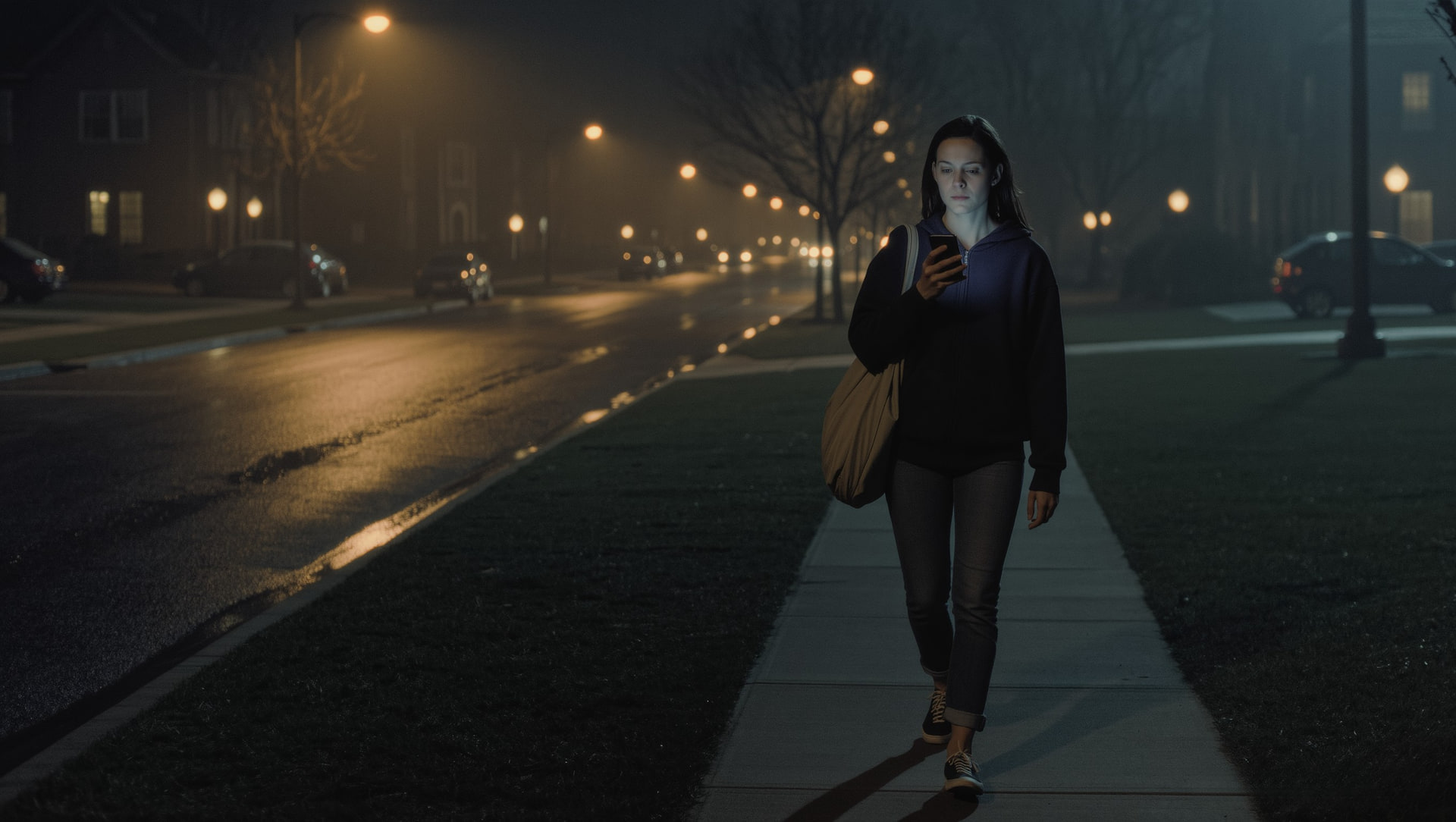
There are two kinds of people in 2026. People who've actually used an emergency alert app. And people who think they have one downloaded somewhere. If you're in the second group, you're not alone. Most of us treat emergency apps the way we treat fire extinguishers. We know they exist. We kind of know where they are. We hope we never need them.
When you actually do need one, the version on your phone matters a lot.
This post breaks down what emergency alert apps actually do, the real moments where they help (and where they don't), and the features that separate a useful one from a digital placebo. If you're a college student, a late-night commuter, or anyone who walks home alone, this is the breakdown most of us never got.
Context: 1 in 5 women experience sexual assault during college, according to RAINN. Most of those incidents happen in the spaces and timeframes emergency alert apps were supposed to cover. Between buildings. Between transit stops. Between trusted places. Whether the app on your phone is built for that reality is a different question.
How emergency alert apps actually work.
At their core, every emergency alert app does one of three things, or some mix of all three.
Direct alerts to chosen contacts.
You press a button (or set a trigger). Your pre-set trusted contacts get a push notification, SMS, or email with your last known location and a pre-written message. Some apps escalate if you don't respond within a window. Some auto-call too.
Connection to emergency services.
Some apps integrate with 911, RapidSOS, or campus security dispatch. The benefit is professional response. The trade-off is response time. Even on the best dispatch systems, the average is 8–12 minutes.
Community or peer alerts.
Newer apps broadcast to a verified network. Fellow students, neighbors, or members of your community who may be physically closer than emergency services. This is the layer legacy apps don't have.
Every emergency alert app you've heard of is some combination of these three. The differences live in the details. How fast the alert fires. Who actually receives it. Whether your location is real-time or stale. What happens if you can't tap your screen.
When emergency alert apps actually help.
These apps shine in three specific situations.
The "I don't feel right" moment.
You're walking somewhere familiar and something's just off.
The hands-free escalation.
You can't reach for your phone — but the system kicks in anyway.
The post-event proof.
Even when an app doesn't prevent something, the record matters.
If you've avoided downloading one because you "don't feel like a target," that's the wrong frame. The point isn't whether something will happen. It's whether, if it does, you have a 30-second response or an 8-minute one.
When emergency alert apps don't help.
Where most emergency alert apps fall short:
The button assumes you can press it.
Most situations start with the attacker knocking your phone out of your hand, demanding it, or moving fast enough that you can't unlock it.
The contacts list assumes the right people are in it.
If your emergency contact is your mom three states away and the threat is on your campus right now, your alert just bought you nothing.
Most apps don't work without service.
Underground transit. Dead zones. Low-battery situations. Exactly the moments you'd want the app to fire.
No layered escalation.
A single button to a single set of contacts and a hope that someone responds. There's no "if mom doesn't see this in 60 seconds, alert my roommate" logic in most legacy apps.
This is why a smart safety system in 2026 doesn't rely on a button. It uses a button as one of several layers.
What to look for in an emergency alert app in 2026.
If you're choosing one, or replacing the one you've ignored for two years, these are the features that actually move the needle:
Silent activation.
A way to trigger without typing or unlocking your phone. Power-button taps. Voice triggers. Smartwatch shortcuts.
Layered escalation.
Alerts your trusted contacts first, then escalates to additional contacts or campus security if there's no response.
Real-time location.
Not your location at the moment you pressed the button. Your location during the entire response window.
Verified community option.
A way for your alert to reach not just your mom, but verified people who are physically nearby and can respond fast.
Works without service.
Cached SMS, fallback channels, or peer-to-peer Bluetooth where supported.
Privacy-first data handling.
Your location data shouldn't sit on a server forever after the alert closes.
If your current emergency alert app fails most of those, you don't have an emergency alert system. You have a button.
The hidden cost of "just press here."
The bigger problem with most emergency alert apps is what they encourage you to do mentally. They train you to treat safety as something that lives in a button. As long as the button is there, you're covered.
The reality is that safety isn't a button. It's a system. The button is the last line of that system. Everything that prevents you from ever needing to press the button. Knowing who you're walking with. Having a verified peer nearby. Ephemeral check-ins. Layered escalation. That's the actual product.
If you only download an emergency alert app, you've solved 20% of the problem. The other 80% is the routing, the matching, and the proactive layer that good apps now bake in.
There's also the human factor. Even the smartest emergency alert app won't help if you've never set it up properly, never picked the right contacts, or never tested how the silent activation actually feels. Most people download a safety app, get pinged for setup once, ignore it, and never touch it again. Six months later, when they actually need it, they realize their emergency contacts list still has a high school best friend who lives in another country.
A good emergency alert app should pull you back into setup at the right moments. After you change schools. After you change phones. After a long stretch of inactivity. It should feel like a system that's actually maintained, not a button you forget about.
Not a button. A network.
sidexside isn't built as a standalone emergency alert app. It's a real-time safety network where the emergency alert function is one part of a larger system designed to keep you out of the situation in the first place.
Here's the difference:
- Proactive matching first. sidexside pairs you with another verified female student walking the same route. The unsafe window often doesn't open at all.
- Silent SOS within the app. If something does go wrong, you can trigger a silent alert without unlocking, typing, or looking suspicious.
- Layered escalation built in. The 2–3 trusted contacts who'll actually show up for you get alerted first, with full context. Where you are. Who you were walking with. When the alert fired.
- Verified peer network. Your alert can also reach verified students physically near you. Minutes instead of the 8–12 minute average for 911 dispatch.
- Ephemeral data. The location data shared during a trip clears after the trip ends. Long-term location history doesn't sit on a server forever.
The app is live on iOS and Android. Download sidexside at sidexside.ai.
Make the alert the backup, not the plan.
The emergency alert app on your phone is only as useful as the system around it. A button without context, without layered response, without verified peers nearby, is mostly a comfort blanket.
The right setup in 2026 isn't an emergency alert app. It's a real-time safety network that includes emergency alerting as one feature among several. The goal is for the emergency alert to be the backup, not the plan.
A button is only as fast as the plan around it.
For questions about how sidexside's silent SOS, trusted contact loop, and peer alert network actually work in your specific campus or commute, contact us. We'll walk you through it.